What has been built?

Every stage of your site. Comparable week by week.

A 360° walkthrough replaces photo folders and percentage guesses. This week and last week side by side – in the site meeting, in the office, with the client.

Automatic detection coming
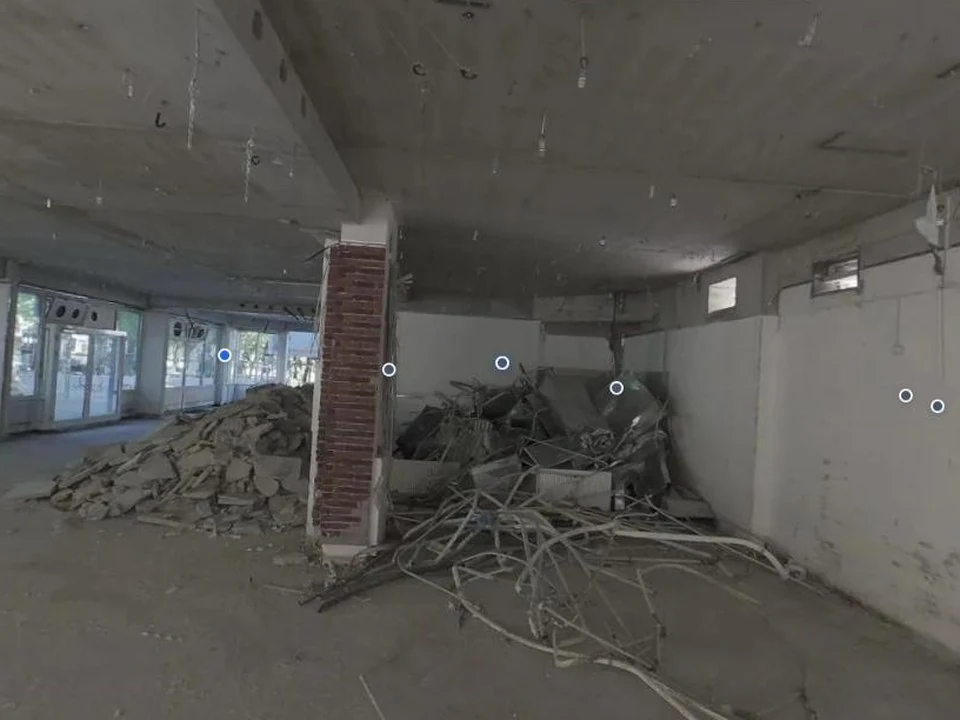
Same building on 23 Sept.: Ground floor gutted down to concrete, construction rubble on the ground Office wing on 2 July with suspended grid ceiling and window band 2 July · Existing condition 23 Sept. · gutted
The same building on 2 July and 23 Sept., compared side by side.

Cases

How site management and clients use the comparison.

The weekly site meeting

Situation
Tuesday, 8 a.m., site meeting with six trades.
Today
Everyone reports their status, phones with photos get passed around.
With Plonda
Week 38 and week 39 walkthroughs side by side on screen. Everyone sees the same thing; open items are pinned straight into the model.
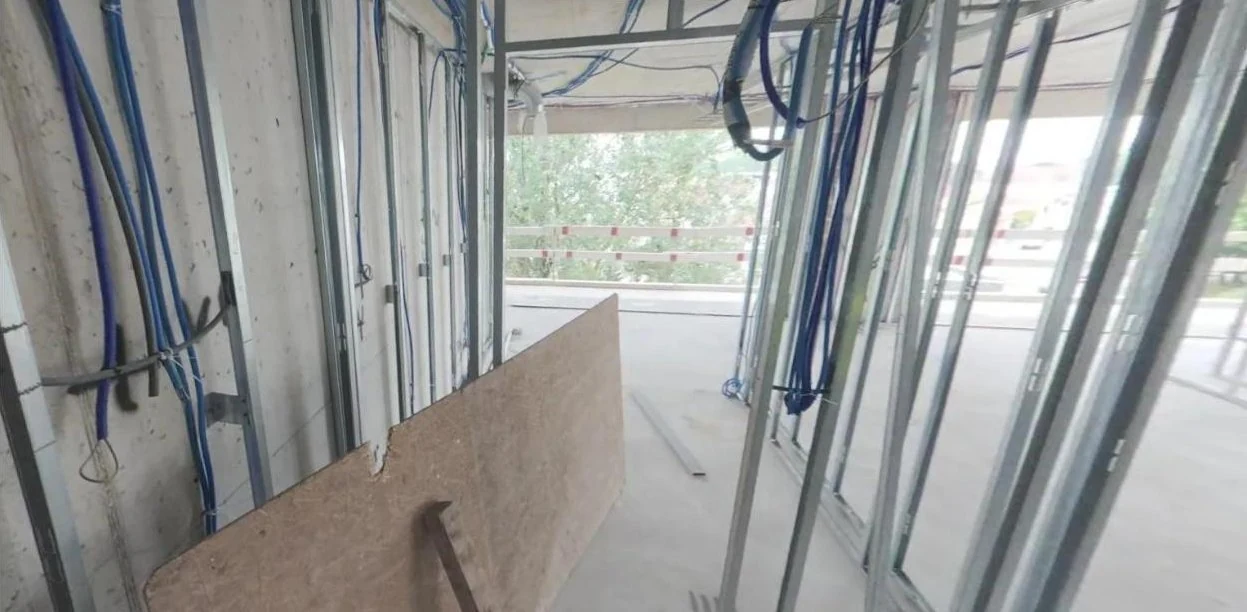
Stud framing and cables in the 360° walkthrough of a pilot site

Client without the drive

Situation
The project manager looks after eight sites in three districts.
Today
They drive out to confirm an interim payment or a milestone.
With Plonda
They open the shared walkthrough in the browser, without login or installation, and measure it themselves.
Building shell in a 360° walkthroughThe same building shell as a 3D model

Progress per floor and trade

Coming
Situation
Monthly report to management and the client.
Today
Percentages are estimated and cannot be checked.
With Plonda
From two walkthroughs Plonda recognises what has changed – with a link to the spot in the model.
2nd floor · status week 39Concept illustration
Drywall studwork70 %
Boarding20 %
Electrical first fix55 %
Screed45 %

Planned vs. actual against the schedule

Coming
Situation
According to MS Project, “Screed 2nd floor by 15 Oct” is planned.
Today
The delay shows up at the next scheduling meeting – when the following trades are already booked.
With Plonda
The walkthrough shows screed in 4 of 9 rooms. The task turns yellow three weeks before it would turn red. Your schedule stays in MS Project, Powerproject or Excel.
Schedule · 2nd floorConcept illustration
Drywall studwork
Screed 2nd floor
Floor finishes

Screed 2nd floor: 4 of 9 rooms done – reschedule the following trades in time.

Why it matters

Progress is also how you secure claims.

27 months

is how long a residential building now takes from permit to completion – in 2020 it was 20.

Destatis, 2026
§ 6 VOB/B

Anyone claiming compensation for a delay needs a concrete account relating to the construction sequence. Dated walkthroughs provide it.

BGH VII ZR 141/03, confirmed in VII ZR 10/24 (2024)

Frequently asked questions

What site managers ask us first.

How often should we scan?

Weekly has proved itself; plus extra walks before critical steps such as pouring or closing walls.

Who does the walkthrough?

Whoever already walks the site – site manager or foreman. Camera on a helmet or pole, walk at your normal pace, done.

Does it work with MS Project?

Schedule comparison is coming. We are developing it with pilot partners for MS Project, Powerproject and Excel. Your schedule stays where it is.

Can the client follow along without access to everything?

Yes. Share a single walkthrough by link. The client sees only that state, can measure it in the browser and needs neither login nor installation.

See Plonda on your project.

Send us a walkthrough – we will show you the result on your own site.