
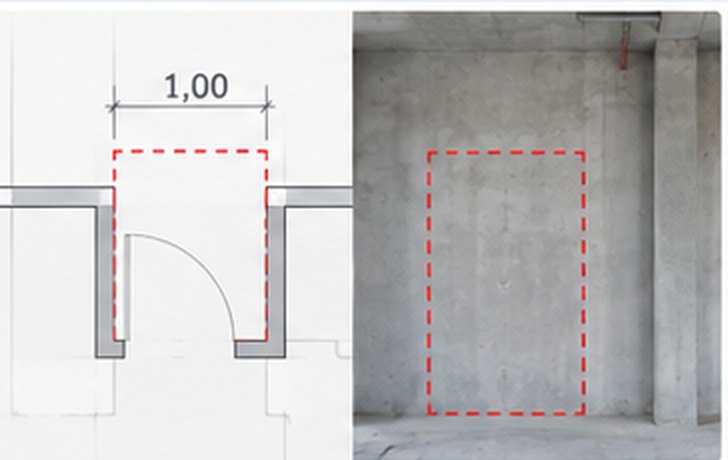
Missing opening
Shown in the plans, missing on site.
Use CasesSite documentation
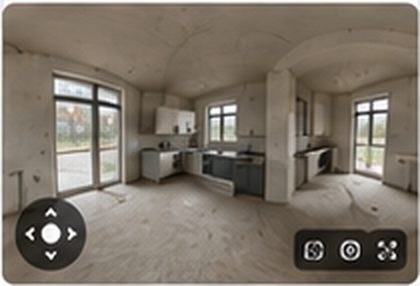
The walkthrough, voice notes and defects are automatically assigned to the right location.
In practice

“A 30-minute walkthrough gives me a complete list of tasks, defects and documentation, sorted by trade. I can measure everything in 3D and refer to it at any time if there is a dispute.”Pierre Manthe, Project Manager, Dipl.-Ing. (TUM), campus Ingenieurgesellschaft mbH
Outlook
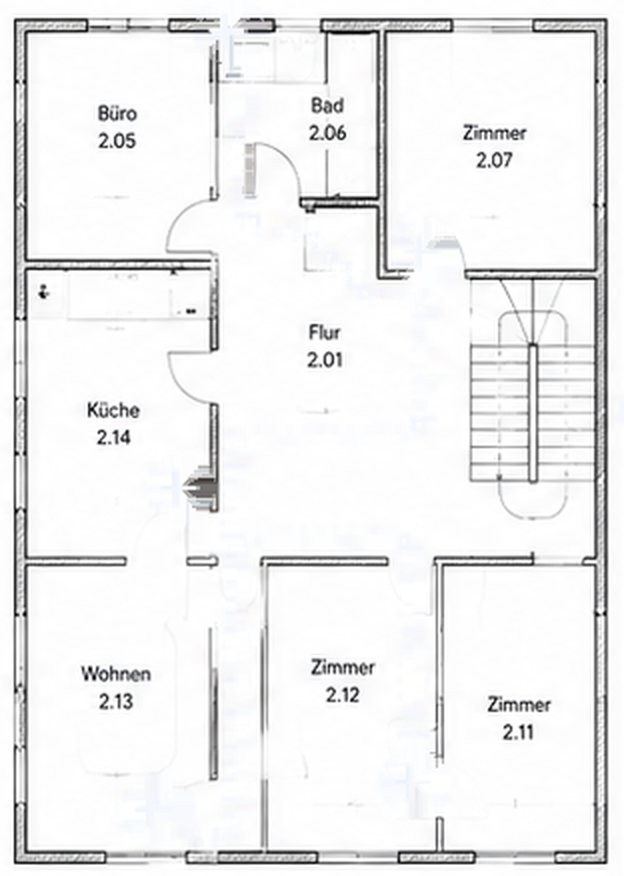
Plonda automatically compares the design plans with what has actually been built. Site management sees deviations early and decides on a solid basis.
 Design plans
 360° walkthrough
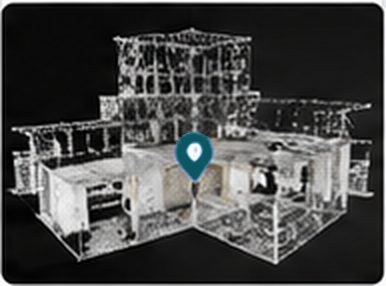
 As-built 3D model
 Plan vs. as-built
 Site management decides
Shown in the plans, missing on site.
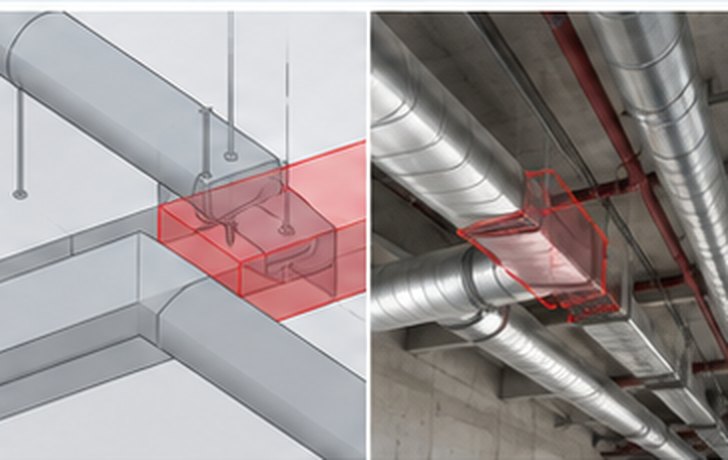
Ventilation duct crosses the pipe route.
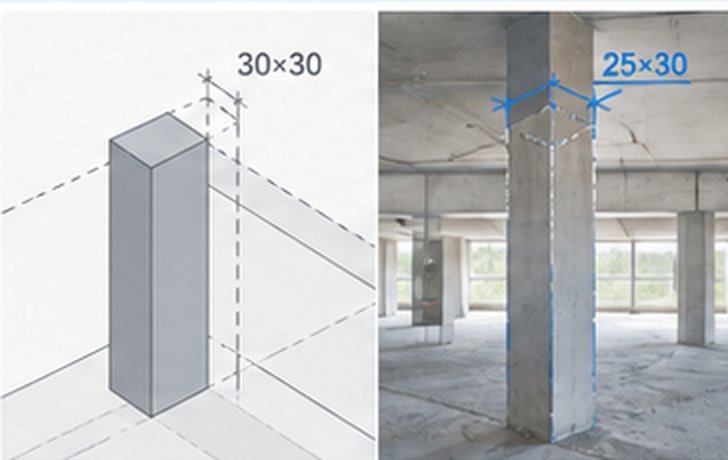
Column 25×30 instead of the planned 30×30.

More use cases
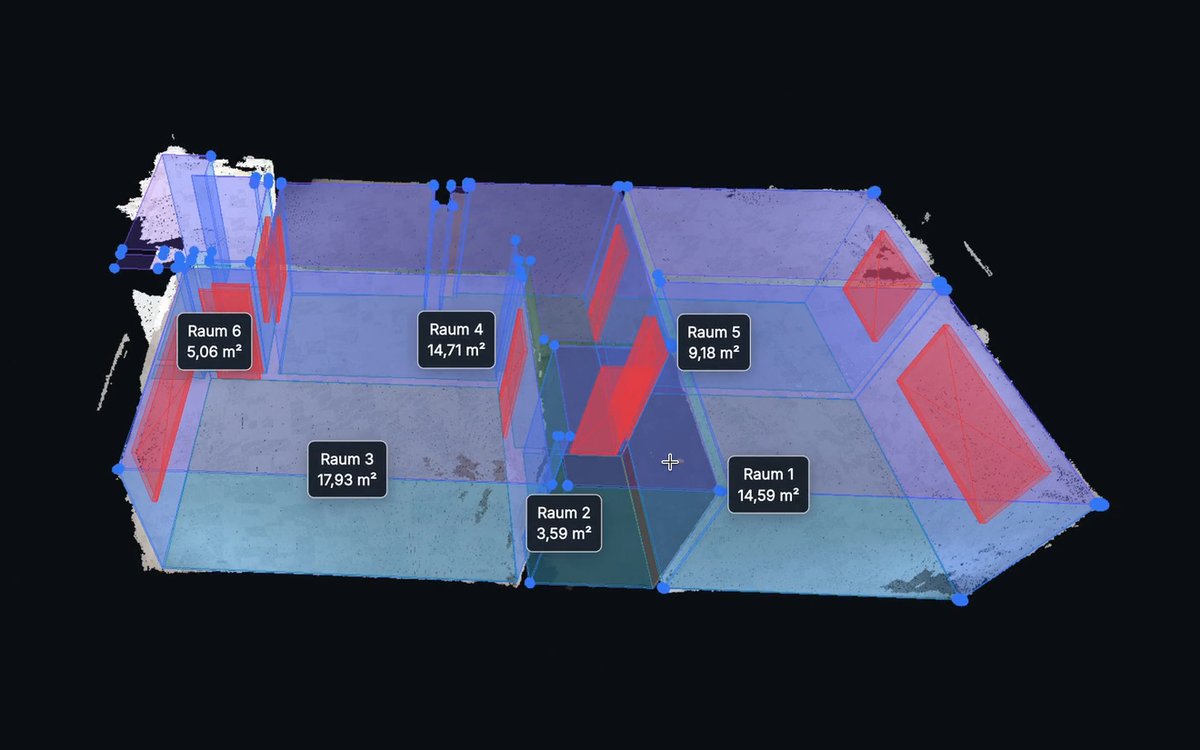
Billing
A 360° walkthrough becomes a verifiable basis for stockpiles, rubble and BoQ billing of rooms.
Learn more →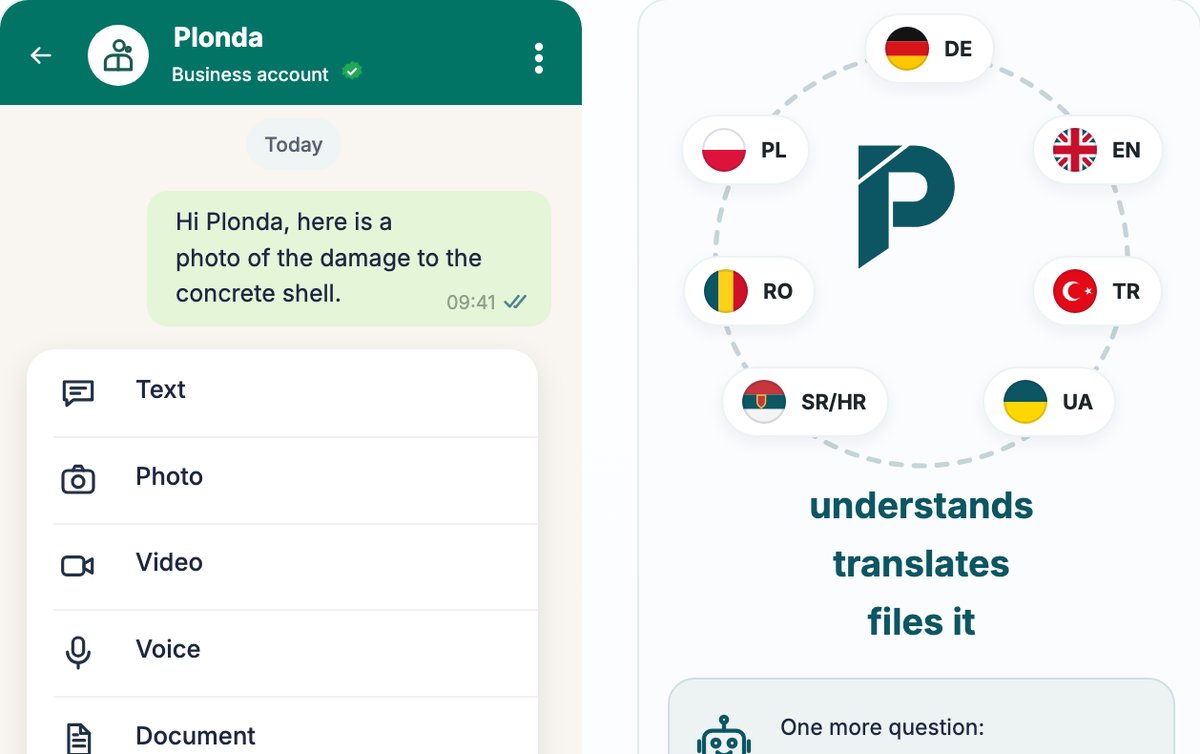
Send text, photos, voice messages or a location. Plonda follows up and creates structured entries.
Learn more →Write to us and we will show you Plonda on one of your projects.